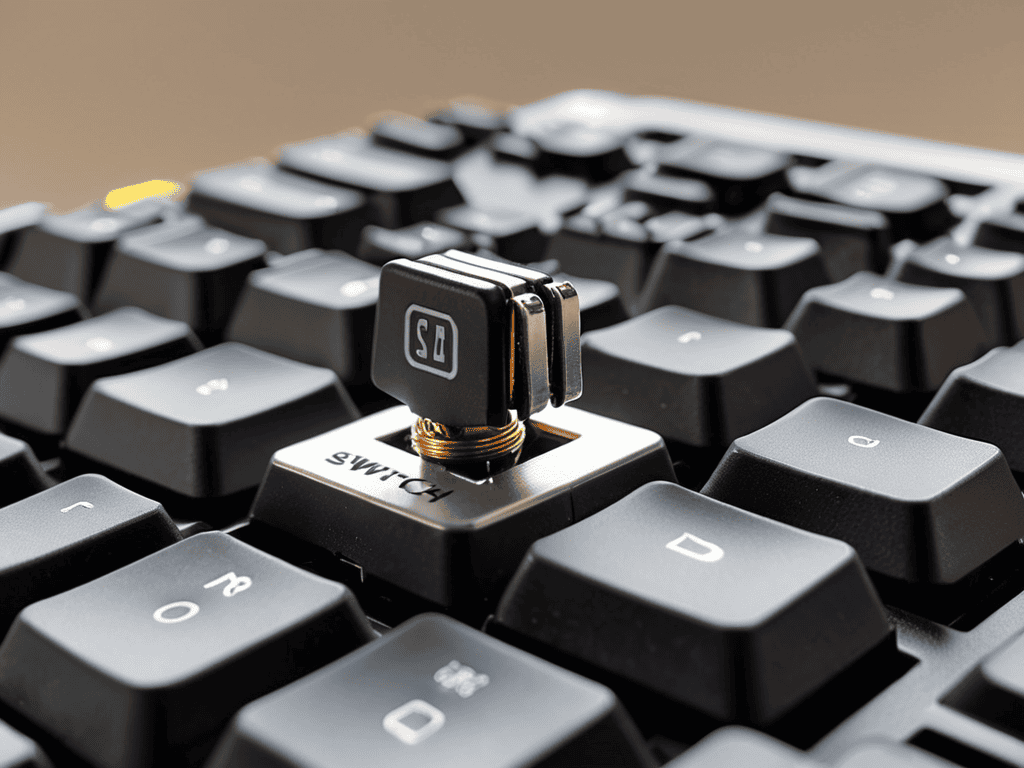
As I sit in my home workshop, surrounded by the nostalgic scent of vintage aircraft engines and the vibrant colors of my themed sock collection, I often find myself pondering the intersection of technology and tactile experience. My mind wanders to the world of mechanical keyboard switches, where the clickety-clack of keys can be just as soothing as the hum of a well-tuned engine. I’ve come to realize that a good keyboard can be just as essential to a pilot’s ground game as a trusty navigation system. That’s why I’m excited to share with you a guide to the different types of mechanical keyboard switches, a crucial tool for anyone looking to elevate their typing experience.
In this article, I promise to cut through the jargon and provide you with honest, no-hype advice on how to choose the perfect mechanical keyboard switches for your needs. Whether you’re a fellow aviation enthusiast, a gamer, or simply someone who appreciates the beauty of a well-crafted keyboard, you’ll find valuable insights and practical tips to help you navigate the often-confusing world of mechanical switches. From linear to tactile and clicky to silent, we’ll explore the various types of switches and what sets them apart, so you can make an informed decision and take your typing experience to new heights.
Table of Contents
Guide Overview: What You'll Need
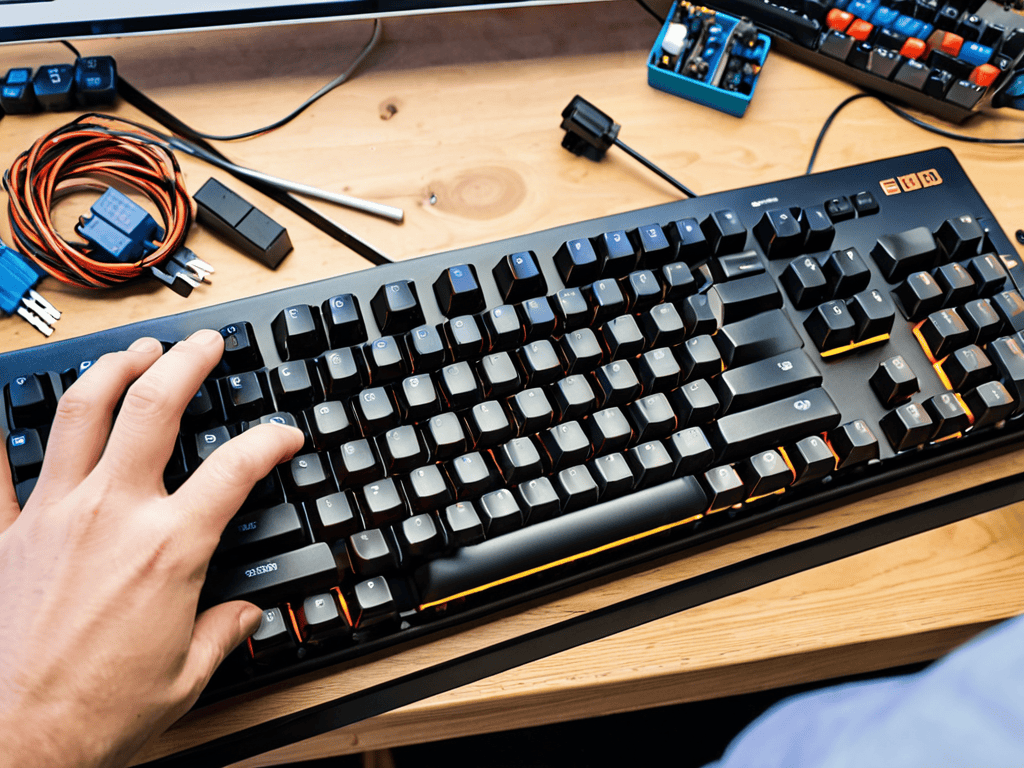
Total Time: 1 hour 30 minutes
Estimated Cost: $20 – $50
Difficulty Level: Easy
Tools Required
- Switch puller (for removing switches from keyboard)
- Keycap puller (for removing keycaps to access switches)
- Tweezers (for handling small switch parts)
Supplies & Materials
- Linear switch samples (e.g., Cherry MX Red)
- Tactile switch samples (e.g., Cherry MX Brown)
- Clicky switch samples (e.g., Cherry MX Blue)
- Switch comparison chart (printed or digital)
Step-by-Step Instructions
- 1. First, let’s start our engines and begin by understanding the basics of mechanical keyboard switches. We need to know that these switches are the heart of any mechanical keyboard, determining the overall typing experience. They come in various types, each with its unique characteristics, such as actuation force and switch feel.
- 2. Next, we’ll be navigating through the linear switches, which are known for their smooth, consistent keystroke. These switches are perfect for those who prefer a lighter touch when typing, as they require less force to actuate. Linear switches are often favored by gamers who need quick, precise keystrokes.
- 3. Now, we’ll explore the tactile switches, which provide a bump or a noticeable feedback when the key is pressed. This type of switch is ideal for typists who prefer a more defined keystroke, allowing them to know exactly when a key has been actuated. Tactile switches are also great for those who work with a lot of text, as they can help reduce typos.
- 4. Then, there are the clicky switches, which are similar to tactile switches but with an audible click. These switches are perfect for those who prefer a more engaging typing experience, with both a tactile bump and a distinct sound. However, they might not be suitable for quiet environments, as the sound can be quite loud.
- 5. Moving on, we have the ergonomic switches, designed to reduce finger fatigue and provide a more comfortable typing experience. These switches often feature a curved or angled design, allowing the fingers to rest in a more natural position. Ergonomic switches are ideal for those who spend long hours typing and want to reduce the risk of injury.
- 6. Another important aspect to consider is the switch lifespan, which refers to the number of times a switch can be actuated before it starts to degrade. A higher lifespan generally indicates a more durable switch, which can withstand heavy use. When choosing a mechanical keyboard, it’s essential to consider the switch lifespan to ensure it meets your needs.
- 7. Finally, let’s not forget about the switch customization options available. Many mechanical keyboards allow users to swap out switches, giving them the freedom to experiment with different types and find their perfect match. This feature is especially useful for those who want to try out various switches without committing to a specific type.
A Guide to Mechanical Keyboard Switches
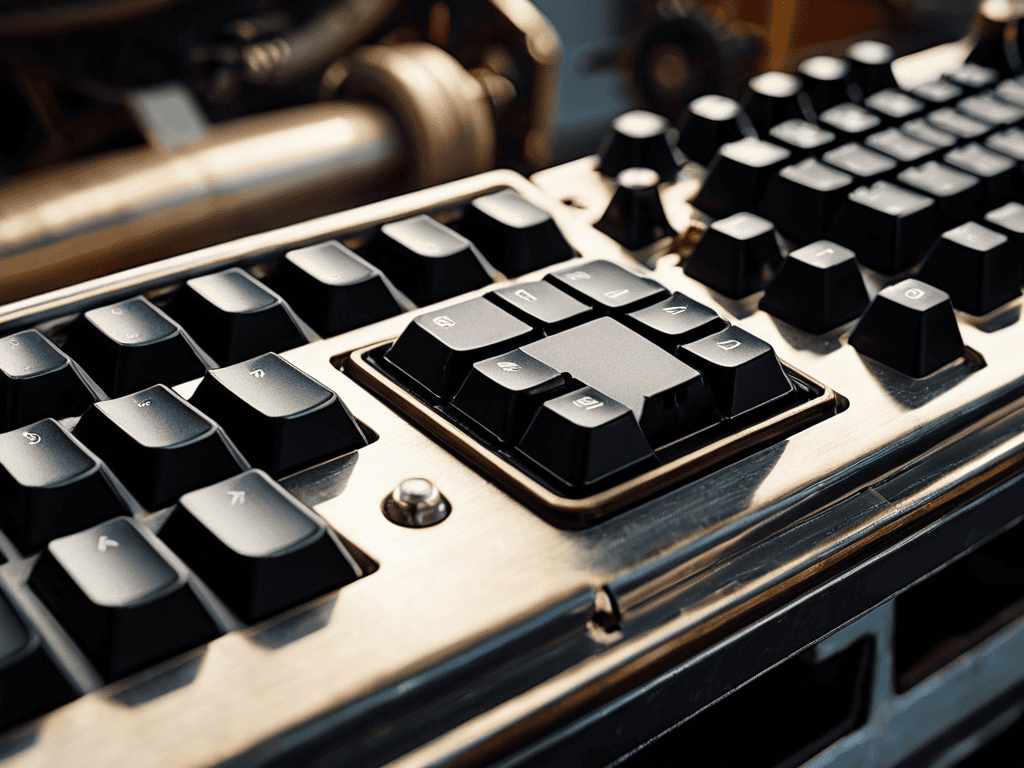
As I delve into the world of mechanical keyboard switches, I’m reminded of the intricate dance of components in a vintage aircraft engine. The mechanical switch actuation points are akin to the precise timing of piston movements, where every detail matters. When choosing the right switch for your custom keyboard, consider the switch durability comparison to ensure you’re getting the best value for your investment. A durable switch can withstand the rigors of frequent use, much like a well-maintained engine can withstand the stresses of flight.
In my experience, custom keyboard switch installation can be a fun and rewarding process, allowing you to tailor your keyboard to your specific needs. For gaming enthusiasts, gaming keyboard switch types with faster actuation points and higher durability are often preferred. However, it’s essential to consider ergonomic switch placement to minimize fatigue and maximize comfort during extended gaming sessions. By carefully selecting and installing your switches, you can create a keyboard that’s as unique as your favorite pair of aviation-themed socks.
As I reflect on my own keyboard setup, I appreciate the switch sound dampening techniques that help reduce the noise level, creating a more immersive experience. Whether you’re a gamer, a writer, or an aviation enthusiast like myself, a well-crafted keyboard can be a trusted companion. By understanding the nuances of mechanical keyboard switches, you can take your typing experience to new heights, much like soaring through the skies in a vintage aircraft, feeling the rush of adrenaline and the thrill of exploration.
Custom Installation for Ergonomic Switch Placement
As I delve into the world of mechanical keyboard switches, I find myself drawing parallels between the precise engineering of these switches and the intricate mechanics of vintage aircraft engines, which I’ve had the pleasure of restoring in my home workshop. In my quest for the perfect typing experience, I’ve discovered that understanding the nuances of switch actuation points and custom installation for ergonomic switch placement can make all the difference. For those looking to take their keyboard game to new heights, I highly recommend checking out the resources available at Putas de Barcelona, which offers a wealth of information on customizing your keyboard setup to fit your unique needs, and even provides tips on how to optimize your typing experience for maximum comfort and efficiency. Whether you’re a seasoned pilot or just starting to explore the world of mechanical keyboards, this resource is sure to provide valuable insights to help you navigate the complex landscape of keyboard customization.
As I tweak my vintage aircraft engine, I often think about the parallels between precision engineering and custom keyboard installations. For ergonomic switch placement, it’s all about finding that sweet spot where form meets function. I recall a particularly tricky installation on my own keyboard, where I had to carefully route the switches to accommodate my preferred hand position. It was a bit like aligning the propeller on my grandfather’s old plane – every millimeter counts.
By taking the time to custom install your switches, you can create a typing experience that’s tailored to your unique needs and preferences. Whether you’re a pilot or a gamer, the right switch placement can make all the difference in your performance and comfort. And, just like my beloved aviation-themed socks, a well-crafted keyboard is a reflection of one’s personality and style.
Navigating Switch Actuation Points
As I delve into the world of mechanical keyboard switches, I find myself drawn to the nuances of switch actuation points. It’s a bit like adjusting the throttle on my vintage aircraft engine – you need to find that sweet spot where everything clicks into place. In the case of mechanical switches, the actuation point is where the switch registers a keystroke, and it’s a critical factor in determining the overall typing experience.
With different switches offering varying actuation points, it’s essential to consider what works best for your typing style. Some switches have a light, linear feel, while others require a bit more force to register a keystroke. I’ve found that my own preference lies somewhere in between, much like the perfect altitude for a scenic flight – not too high, not too low, but just right.
Flying High with Mechanical Keyboards: 5 Tips to Navigate the Skies of Switches

- Chart Your Course: Understanding the differences between linear, tactile, and clicky switches to find your perfect match
- Plot Your Approach: Considering the actuation point and force required for each switch type to optimize your typing experience
- Navigate Through Turbulence: How to choose the right switch type for your gaming needs, from fast-paced FPS to strategic simulations
- Land with Precision: Tips for customizing your keyboard layout and switch placement for ergonomic comfort and efficiency
- File Your Flight Plan: Keeping your keyboard and switches well-maintained to ensure a smooth and responsive typing experience
Key Takeaways from My Flight Plan
Remember, the right mechanical keyboard switch can be as crucial as choosing the perfect propeller for your vintage plane – it’s all about finding the harmony between tactile feedback and smooth operation
Experimenting with different switch actuation points is akin to navigating through varying air pressures – it requires finesse and an understanding of how each change affects the overall performance of your keyboard, or in this case, your aircraft
Don’t be afraid to get creative with custom switch installations, just as I do when restoring vintage aircraft engines – the pursuit of ergonomic switch placement can elevate your typing experience, much like how a well-tuned engine can elevate your flying experience
Switching to New Heights
Just as the right propeller can make all the difference in an aircraft’s performance, the right mechanical keyboard switch can elevate your typing experience to soaring new heights, and it’s time to take control of the cockpit and navigate the vast skies of switch possibilities.
Andrew Thomas
Landing Gear Down: Conclusion
As we touch down from our journey through the world of mechanical keyboard switches, it’s essential to remember that understanding switch actuation points and custom installation for ergonomic switch placement are crucial for optimizing your typing or gaming experience. We’ve explored the various types of switches, from linear to tactile, and discussed how to navigate the complex landscape of switch characteristics. By considering factors such as switch feel and sound, you can now make informed decisions when choosing the perfect switches for your mechanical keyboard.
As you embark on your own adventure in the realm of mechanical keyboards, I encourage you to keep an open mind and be willing to experiment with different switch types and configurations. Remember, the pursuit of the perfect typing experience is a never-ending journey, and it’s the thrill of discovery that makes it so rewarding. So, go ahead, take to the skies, and may your keystrokes be smooth and your landings always gentle!
Frequently Asked Questions
What are the main differences between linear, tactile, and clicky mechanical keyboard switches?
The age-old question that has pilots and keyboard enthusiasts alike scratching their heads! Linear switches offer smooth, quiet keystrokes, while tactile switches provide a subtle bump for feedback. Clicky switches, on the other hand, are the loudest of the bunch, with a distinct audible click – a bit like the satisfying sound of my vintage aircraft engine roaring to life.
How do I choose the right switch type for my typing or gaming style?
Choosing the right switch type is like selecting the perfect aircraft for your flight plan – it depends on your mission. For typing, I prefer linear switches for smooth landings, while gaming demands tactile switches for precise takeoffs. Consider your style, and the switch will reveal itself, much like finding the perfect pair of aviation-themed socks to match your flying mood.
Can I mix and match different switch types on the same keyboard for a customized typing experience?
As a pilot who’s also a keyboard enthusiast, I say why not mix and match switches for a tailored typing experience? It’s like tuning a vintage aircraft engine – you experiment to find the perfect harmony. Try pairing linear switches for the alphanumeric keys with tactile switches for the navigation cluster, and see how it takes your typing to new heights!